👋 Hello hello,
Claude can now run tasks while you’re away from your computer. Google released an agent that picks its own tools. And there’s now a simple workflow that can automate research and draft a newsletter for you after a single setup.
If you understand how to use these shifts early, you buy back hours of your time every week. Let me show you how.
🔥🔥🔥 Three Highly Curated AI Stories
Google launched an AI Professional Certificate through its Grow with Google program. Anyone can sign up and learn practical AI skills. Here’s a brief intro to the course itself:
That matters because most people still feel locked out of AI. They assume you need a technical background or expensive training. Programs like this lower that barrier.
If you’ve been waiting for a structured place to start, this is probably one of the safest bets.
Anthropic added Remote Control to Claude Code. You can start a task on your computer, then check on it or control it from your phone later.
Claude keeps running on your machine. You connect to it remotely using the Claude app or browser.
I keep thinking about what this unlocks. Long research tasks. Coding jobs. Anything that used to keep you tied to your desk suddenly doesn’t.
FYI: It’s in Research Preview now for Max users, and coming soon to Pro users.
Opal is Google’s visual builder for AI workflows. You drag and connect steps to automate tasks. Now it can make some of those decisions itself.
The new agent step looks at your goal and picks the right tools automatically. That might mean using Veo to generate video or searching the web to gather information.
It also has memory, dynamic routing, and chat. It can remember things, change direction, and ask you questions when it gets stuck.
This is closer to how people actually work. You give a goal. The system figures out how to get there.
🔥🔥 Two AI Tools Worth Trying
1. 🎞️ Frontend Slides
Frontend Slides is a GitHub project for creating presentations using HTML.
Instead of dragging boxes around in PowerPoint, you generate slides using code. Many people are now utilizing AI to assist in building these presentations. You describe the structure, and the AI writes the layout.
It recently crossed 1,000 stars on GitHub, which tells you this approach is catching on. Once you try it, going back to traditional slide editors feels slow.
Here’s a look at how:
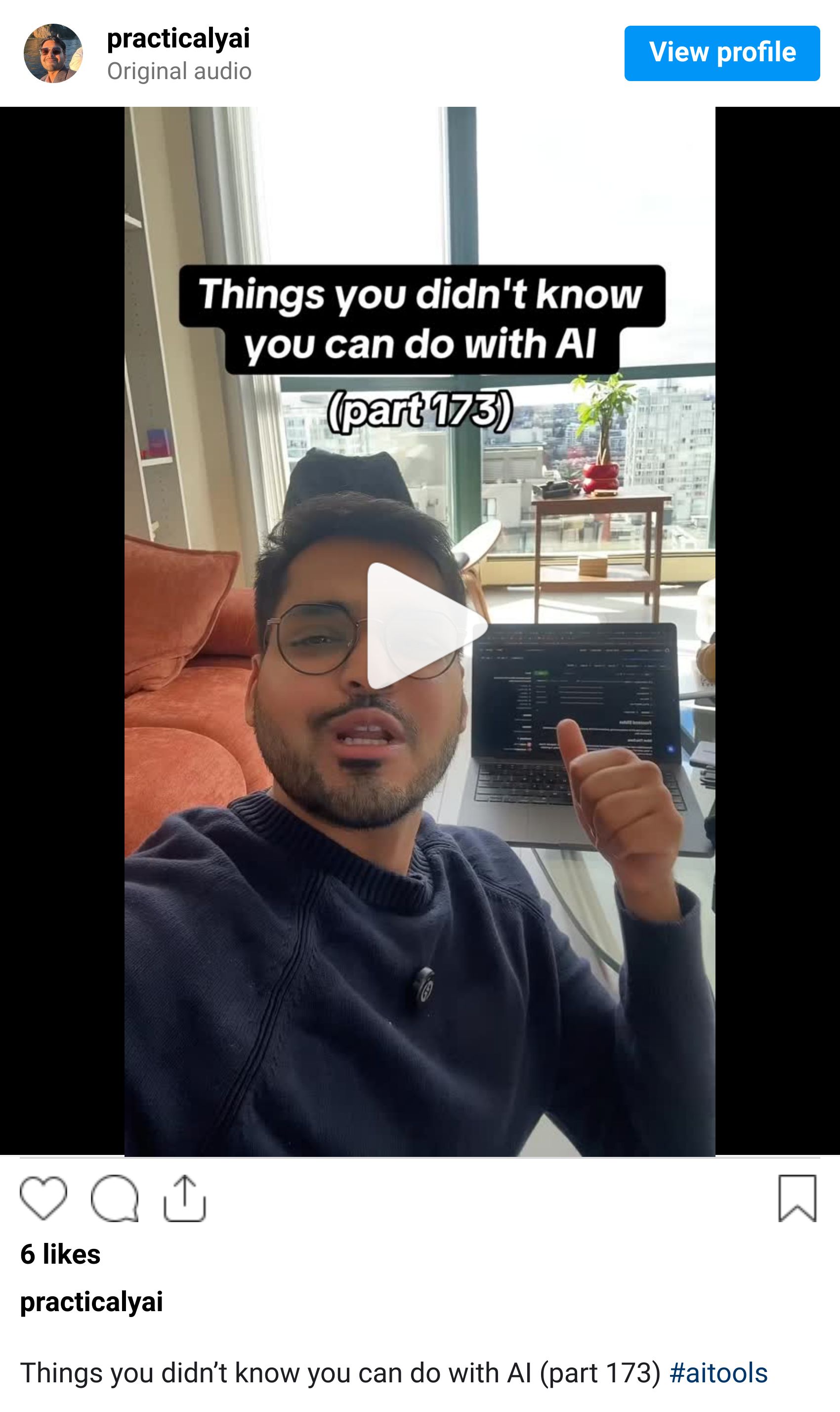
This is one of the smartest research workflows I’ve seen recently.
Here’s how it works:
1. Pick a topic you want to understand deeply.
2. Search YouTube or Google for that topic, along withthe names of top podcast hosts in that space.
3. Collect links to interviews where experts discuss that topic in detail.
4. Upload those videos or links into NotebookLM and create a source notebook.
5. Open Gemini and turn on Pro + Deep Research mode.
6. Add your NotebookLM sources and ask Gemini to create a complete guide on the topic.
7. In your prompt, tell Gemini to read every source, extract the important ideas, fill in gaps, and combine everything into one structured guide.
The difference in the output is noticeable. It reflects actual expert thinking instead of generic summaries. If your work depends on understanding a topic deeply, this is worth trying.
🔥 Things You Didn’t Know You Could Do Using AI
You don’t need complex agent systems like OpenClaw to automate your work. Simple workflows already handle most of it.
Here’s how this setup works:
1. Use Zapier to trigger a workflow automatically every morning.
2. Let Grok research the latest updates on your topic.
3. Send that research to Claude.
4. Ask Claude to convert it into a newsletter draft
5. Review, edit, and publish when you wake up
This setup takes about an hour to build. After that, it runs on its own.
Before you go, did today's newsletter help you stay ahead?
💬 Quick poll: What’s one real-world decision you’d trust AI to help you make?
Until next time,
Kushank @PracticalyAI
