👋 Happy Monday,
For the past year, AI has been doing the creating.
Writing code. Designing slides. Generating videos. Running workflows. Now it’s starting to do something else. It’s fixing things.
Anthropic just released an AI that scans and patches security issues. Pika is letting people create persistent AI versions of themselves. And there’s now a simple prompt that can rewrite robotic AI content so it actually sounds human.
Which raises a strange new reality. Let’s get into it.
🔥🔥🔥 Three Highly Curated AI Stories
Anthropic just introduced Claude Code Security, currently in limited research preview. The tool scans entire codebases to find vulnerabilities and suggests software patches that humans can review.
This matters because traditional security tools often rely on predefined rules. They catch known issues, but they miss weird edge cases. Claude approaches the problem differently. It reads the code like a human would and identifies problems in context.
For teams, this could save hours of manual review and reduce the risk of missing something critical.
Pika AI just announced something called AI Selves. You can create a persistent AI entity that behaves like you, remembers things, and interacts on your behalf.
They describe it as something you “birth, raise, and set loose.” It can send messages, generate content, or interact with others while you focus on something else.
This opens up a strange but interesting possibility. Instead of using AI tools directly, you might eventually have an AI version of you doing work in the background.
Anthropic also released a guide explaining how Claude Code can be used even if you don’t have a technical background.
The guide shows practical examples of using Claude to work with code through plain language. You describe what you want, and Claude helps implement it.
This lowers the barrier significantly. People who previously depended on engineers can now prototype ideas themselves.
🔥🔥 Two AI Tools Worth Trying

Google shared a prompting guide for Lyria 3, their music generation model. It shows how to control genre, mood, instruments, vocals, and lyrics using simple instructions:
Include these elements in your prompts to get the most out of your music generations:
🎶 Genre and Era: Lead with a specific genre, a unique mix, or a musical era.
(ex: 80s synth-pop, metal and rap fusion, indie folk, old country)
🥁 Tempo and Rhythm: Set the energy and describe how the beat feels.
(ex: upbeat and danceable, slow ballad, driving beat)
🎸 Instruments: Ask for specific sounds or solos to add texture to your track.
(ex: saxophone solo, distorted bassline, fuzzy guitars)
🎤 Vocals: Specify gender, voice texture (timbre), and range for the best delivery.
(ex: airy female soprano, deep male baritone, raspy rocker)
📝 Lyrics: Describe the topic, include personalized details, or provide your own text with structure tags.
(ex: “About an epic weekend” Custom: [Verse 1], A mantra-like repetition of a single word)
📸 Photos or Videos (Optional): If you want to give Gemini even more context for your track, try uploading a reference image or video to the prompt.
If you’ve ever wanted to experiment with AI-generated music, this guide shows exactly how to structure prompts to get better results.
Running AI agents through OpenAI’s API can get expensive quickly. But there’s a cheaper option using Nvidia’s platform and the Kimi 2.5 model.
You can generate a free API key and run up to around a thousand requests per day without paying. This is useful if you’re experimenting with agents, building prototypes, or testing workflows without burning credits.
See how it works:

🔥 Things You Didn’t Know You Could Do Using AI
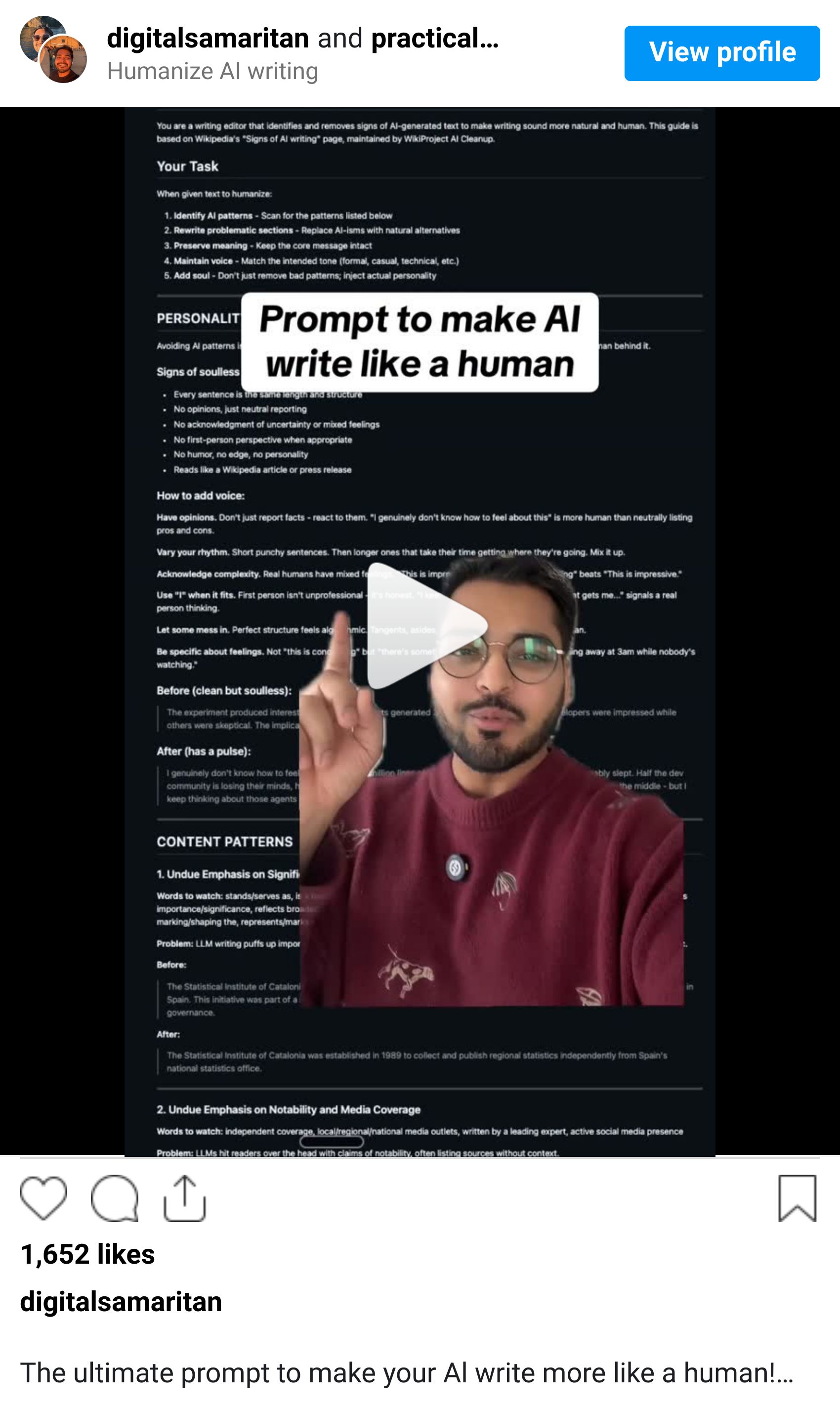
Most AI writing still has a “tell.” Certain phrases. Certain structure. That slightly sterile tone that makes it obvious a machine wrote it.
This prompt was designed to catch those patterns and rewrite them so the content sounds more natural and human.
It works by scanning your text, identifying robotic phrasing, and automatically rewriting those sections while keeping your meaning intact.
Here’s how to use it:
1. Go to Google and search for “Blader humanizer GitHub.”
2. Open the repository and find the prompt file.
3. Copy the full prompt.
4. Paste it into ChatGPT or Claude as a system instruction in your project.
5. Now, whenever you generate content, the AI will rewrite it to sound more human.
This is especially useful for LinkedIn posts, newsletters, emails, and blogs where tone makes a huge difference.
Before you go, did today's newsletter help you stay ahead?
💬 Quick poll: What’s one real-world decision you’d trust AI to help you make?
Until next time,
Kushank @PracticalyAI
