
{{current_date_full_with_abbr_day}}
3-minute read
3
AI UPDATES
2
TOOLS
1
CHART
New look, same PracticalyAI. Same 3-2-1, cleaner page, faster read. Hit reply and tell us what you think (we'll read and reply)
👋 Good morning.
A research lab wired 499 reconstructed fruit-fly neurons to a model and asked it to read emotion in human voices. It worked, at 16.84% precision. Then they scrambled the fly's wiring at random and got 16.88%, per Oruk. The fly's brain contributed exactly nothing. Somewhere a consultant just recognized the business model.
IN 3 MINUTES, GET 1% BETTER THAN EVERYONE YOU KNOW:
The voice bot that stops when you start talking
ChatGPT builds the dashboard your analyst was going to
Gemini lands on Windows. Alt + Space.
One shared AI coworker, one free explainer-video skill
Anthropic's 2030 chart: workers keep 45% in the hot case
3 AI updates
GPT-Live-1 brings full-duplex voice to the API: one model listens and speaks at the same time, so a caller can cut in mid-sentence and it keeps the thread, per OpenAI. No more speech-to-text, think, then text-to-speech relay. OpenAI says it scores 30 percentage points higher on Full Duplex Bench than GPT-Realtime-2.1. Turn-taking latency drops to 0.8 seconds from 1.4, and tool-calling accuracy rises to 87% from 60%, per Testing Catalog's read of the launch. Pricing starts at $0.05 a minute with 12 voices. It is for people building voice agents, not a new button in the ChatGPT app.
Try this: If you already ship a phone or in-app voice flow, run one interrupt-heavy test call. Change the question mid-answer and see whether it keeps the thread.
Your bot can finally lose the argument politely.
Would you let a voice bot take your customer calls?
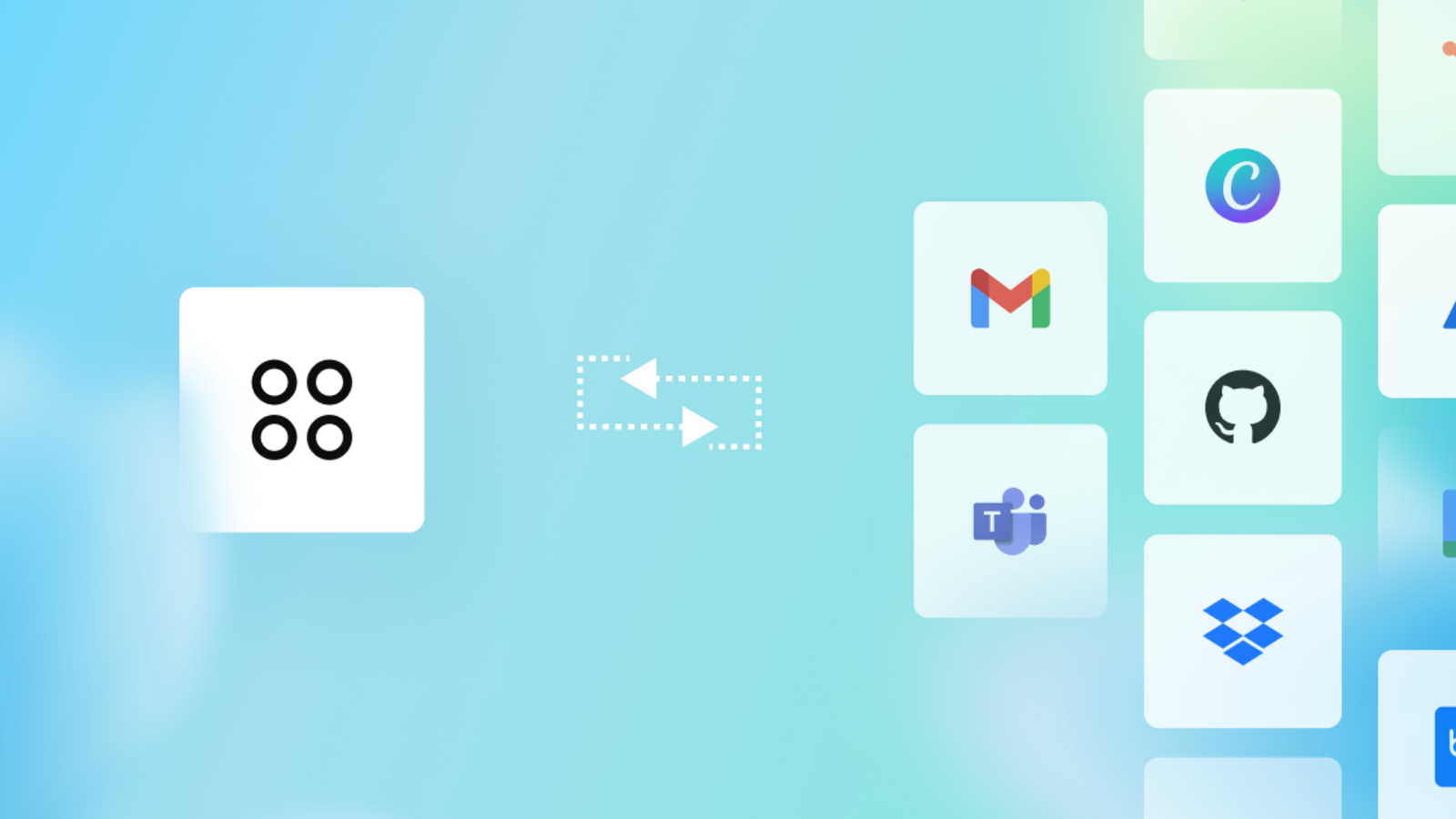
@Data is the new Data agent inside ChatGPT Work, per OpenAI. Ask why a metric moved and it queries the source, compares periods, and turns the answer into an interactive dashboard teammates can edit, share and refresh. It connects to Redshift, BigQuery, Snowflake, Databricks, ClickHouse, MongoDB and Datadog, and pulls files from Drive and SharePoint. It reads your own metric definitions from tools like dbt and Snowflake Horizon, so "revenue" means what your finance lead says it means. A workspace admin has to switch it on first, under Workspace settings, then Plugins.
Try this: If you already pay for ChatGPT Work, ask @Data the one question you usually send to an analyst, and keep the caveats it puts in the reply.
Your Monday metrics email just got a first draft.

The Gemini app for Windows went live worldwide on Thursday for Windows 10 and 11, per Google. Alt + Space opens it over whatever you are doing, with Spark for multi-step tasks, pulls from Gmail and Drive, Nano Banana for images and Omni for video. Spark and Omni need a Google AI subscription and an adult account. Separately, Google Labs opened Dreambeans, a daily feed of personalized stories, to every US account 18 and over on Android and iOS, consumer tiers included. Connect Google Photos and the stories start starring you and your family.
Try this: If you live in Windows all day, try Alt + Space on one real doc. If you are in the US on mobile, open Dreambeans once and decide whether a Photos-backed story is useful or just noise.
Alt + Space is the new “just open a tab.”
2 Tools worth knowing
1. 🤝 Indent · free to start · Slack + GitHub

One shared AI coworker for the whole company instead of one agent per person. Ask it in Slack or tag it on a pull request, and whatever one teammate teaches it, everyone keeps. Automattic, Speak and Tomo are on the customer wall, and the founder pitch from Sashank is here. The catch: signup was Google-only when we tried it, and pricing past the free start runs on usage credits the site does not spell out.
2. 🎬 anything2explainer · free for non-commercial use · Claude Code / Codex skill
Topic in, narrated explainer video out: 2 to 8 minutes, motion graphics drawn in code with Remotion, word-timed subtitles, chapter cards, and an English or Chinese voiceover from a small local model. No stock clips, no generative video model, 722 stars on GitHub. The catch: you need a coding agent plus Node, FFmpeg and Python installed, and the license is non-commercial, so client work needs the author's OK.
1 One chart worth watching
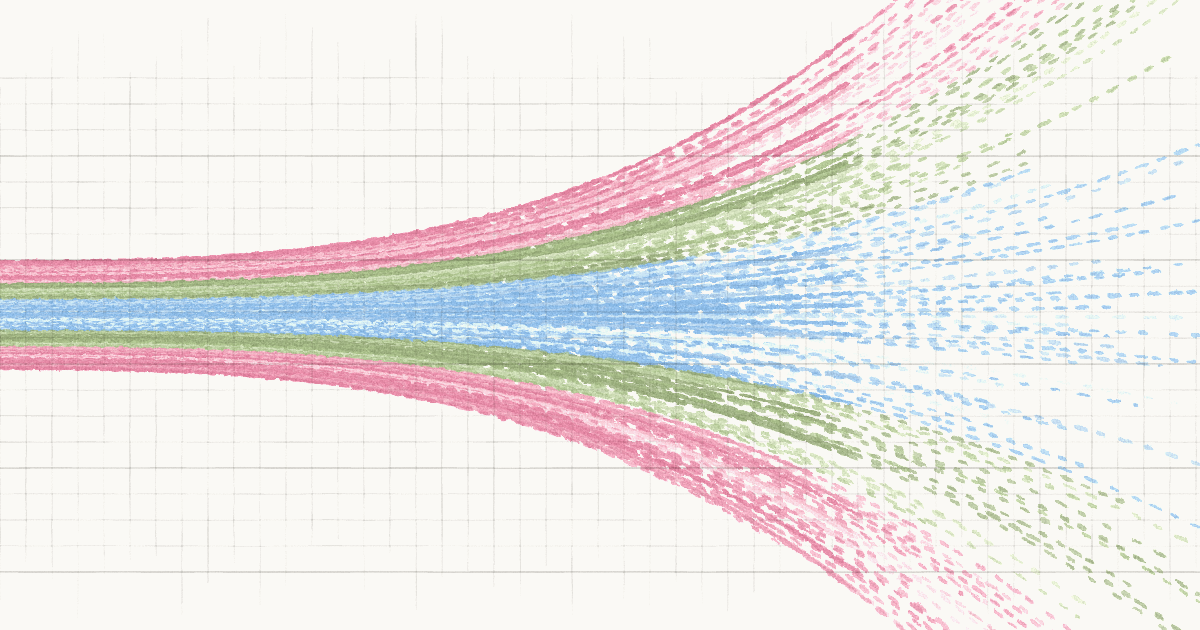
Anthropic's Economic Scenarios explorer lets you set how capable AI gets and how widely it spreads, then shows the US in 2030. Three presets: modest ($34.1T GDP), substantial ($36.3T) and extreme ($44.4T). The number to watch is labor's share of income: 59.4% in the modest case, 56.1% substantial, 45.2% extreme. Anthropic also surveyed more than 10,000 Americans, and the typical answer lands near the substantial case with unemployment around 5%. Plug in your own bet and see where you sit against the crowd.
The catch: it is a scenario tool, not a forecast. Anthropic wrote the presets and picked the dials, so treat the extreme case as a stress test, not a prediction.
If you already argue about what AI does to jobs in a team chat, open the explorer once and screenshot the scenario you actually believe.
Don't forget to rate today's post
That's your 1% for today. Reply with the scenario you picked.
Kushank, AI teammates, and the human team
PracticalyAI
